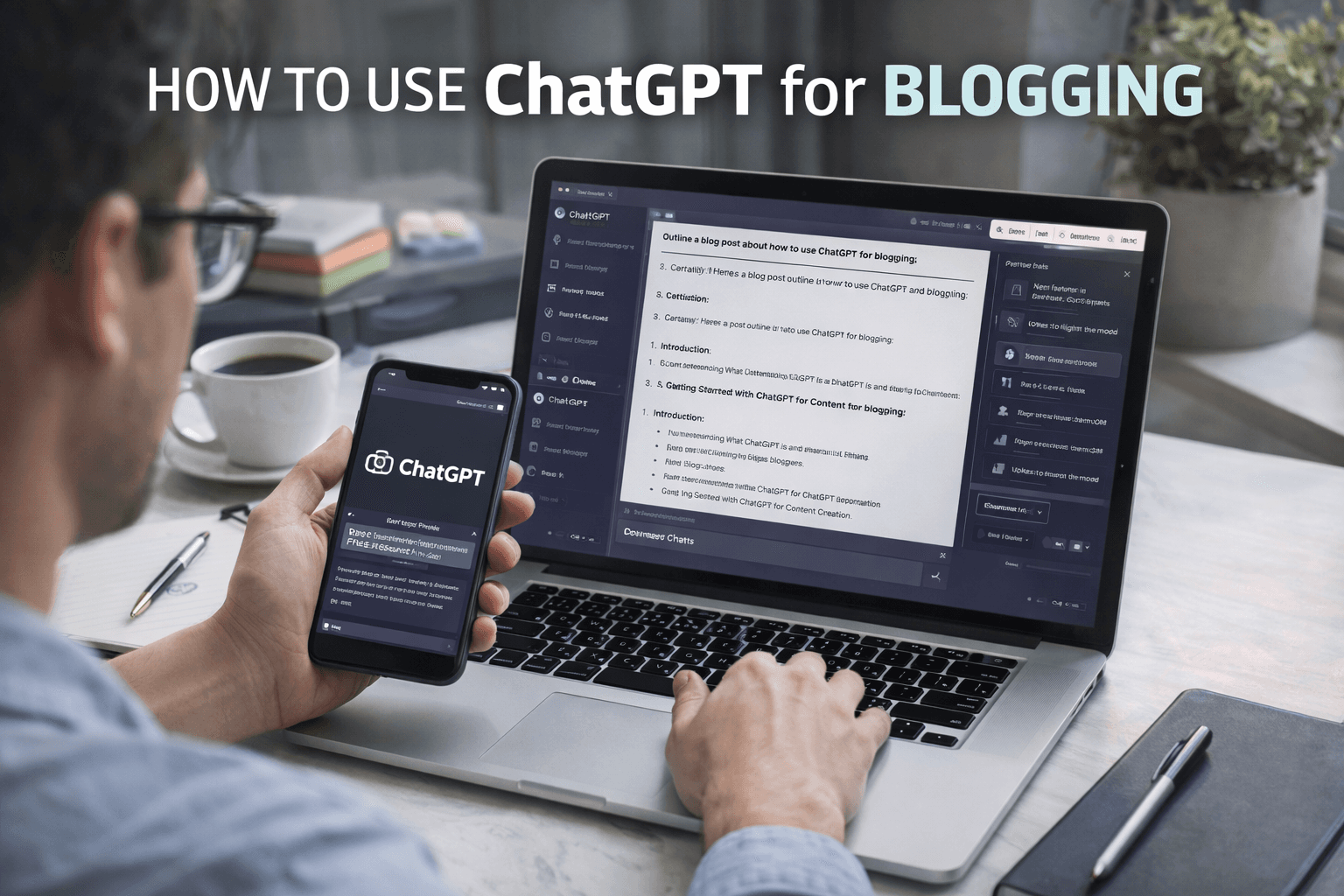
Understanding What ChatGPT Is and How It Helps Bloggers
ChatGPT is an AI language model designed to understand instructions and generate human-like text. For blogging, it works like a smart writing partner that never gets tired. It can suggest topics, create outlines, draft paragraphs, rewrite content, and even help with SEO structure. However, ChatGPT content creation works best when guided clearly. Knowing this prepares you to use it effectively from the first step.
Getting Started With ChatGPT for Blogging
To begin, you need access to ChatGPT through a web interface or API-based tool. Once logged in, you will see a simple chat screen with a text input box. Think of this box as a conversation with a junior writer. The more specific your instructions, the better the output. This mindset makes the learning curve much smoother.
Step 1: Finding Blog Ideas Using ChatGPT
One of the hardest parts of blogging is deciding what to write about. ChatGPT can quickly generate topic ideas based on your niche. You can ask it to suggest trending topics, evergreen topics, or beginner-friendly guides. For example, you might request ten blog ideas related to digital marketing or technology. Once ideas are ready, the next step is structuring them.
Step 2: Creating a Blog Outline
A strong outline keeps your article focused and readable. ChatGPT can generate outlines with headings and subtopics in seconds. You can ask for a simple outline or a detailed one depending on your needs. Visualize this step like sketching a building before construction. A good outline leads naturally to writing content.
Step 3: Writing the First Draft
With the outline ready, you can ask ChatGPT to write section-by-section. This approach gives you more control than generating the full article at once. For example, request a 150-word introduction or a clear explanation for a specific heading. ChatGPT content creation works best when broken into smaller tasks. This method also simplifies editing later.
Step 4: Improving Clarity and Tone
Sometimes AI-generated text may feel generic or slightly formal. You can fix this by asking ChatGPT to rewrite content in a specific tone. For instance, you can request a more conversational style or simpler language. This step ensures the article matches your brand voice. Once tone is adjusted, optimization becomes the next priority.
Using ChatGPT for SEO-Friendly Blogging
Search engine optimization is essential for blog visibility. ChatGPT for blogging can assist with SEO structure when guided properly. You can ask it to suggest meta titles, headings, and keyword placements. It can also help rewrite paragraphs to improve readability without keyword stuffing. This balance improves both ranking and user experience.
AI Writing Tips for Better Results
To get consistent quality, follow a few AI writing tips. Always provide context about your audience and purpose. Avoid vague prompts like “write a blog post.” Instead, give clear instructions such as length, tone, and topic focus. Think of ChatGPT as a tool, not an author. These habits significantly improve output quality.
Editing and Refining AI-Generated Content
AI-generated drafts should always be reviewed by a human. ChatGPT may occasionally repeat ideas or miss subtle context. Use it to rephrase awkward sentences or shorten long paragraphs. Editing ensures accuracy, originality, and alignment with your expertise. Once editing is complete, visuals and examples can be added.
Adding Examples and Practical Use Cases
Blogs become more engaging when they include real-world examples. You can ask ChatGPT to generate examples based on common scenarios. For instance, it can explain how a blogger uses AI to publish weekly posts faster. These examples make abstract concepts easier to understand. After examples, troubleshooting common issues is helpful.
Troubleshooting Common Issues With ChatGPT for Blogging
One common issue is overly generic content. This happens when prompts lack detail. The solution is to provide more context and constraints. Another issue is factual inaccuracy. Always verify statistics or claims using trusted sources. Treat ChatGPT as a drafting assistant, not a fact-checker.
Using ChatGPT for Research Support
ChatGPT can summarize complex topics quickly. It can explain technical terms, compare concepts, or provide background information. However, it should not replace primary research. Use it to understand topics faster, then confirm details from authoritative sources. This approach saves time while maintaining credibility.
Benefits of Using ChatGPT for Blogging
ChatGPT for blogging offers several advantages. It significantly reduces content creation time. It also helps overcome writer’s block by generating ideas instantly. For teams, it ensures consistency in tone and structure. For solo bloggers, it acts as a productivity multiplier. These benefits explain why AI adoption is growing rapidly.
Important Considerations and Limitations
Despite its strengths, ChatGPT has limitations. It does not understand real-time events unless updated. It can also reflect biases present in training data. Relying entirely on AI may reduce originality. Human insight remains essential for depth and authority. Awareness of these limits ensures responsible use.
Best Practices for Long-Term Blogging Success With AI
Combine human creativity with AI efficiency. Use ChatGPT to handle repetitive tasks while you focus on strategy and expertise. Maintain a consistent review process. Over time, refine prompts based on results. This balance leads to sustainable, high-quality content creation.
Conclusion
ChatGPT for blogging has transformed how content is created, edited, and optimized. It simplifies complex tasks and accelerates workflows for beginners and experts alike. By using clear prompts, reviewing outputs carefully, and applying AI writing tips, bloggers can produce reliable and engaging content consistently. ChatGPT content creation works best as a partnership between human judgment and artificial intelligence. When used thoughtfully, it becomes an indispensable tool in the modern blogging process.