JavaScript Is a Synchronous, Single-Threaded Language — Explained in Depth
Complete technical guide to understanding JavaScript's execution model, event loop, and how async operations work
TechnoSAi • 19-Dec-2025
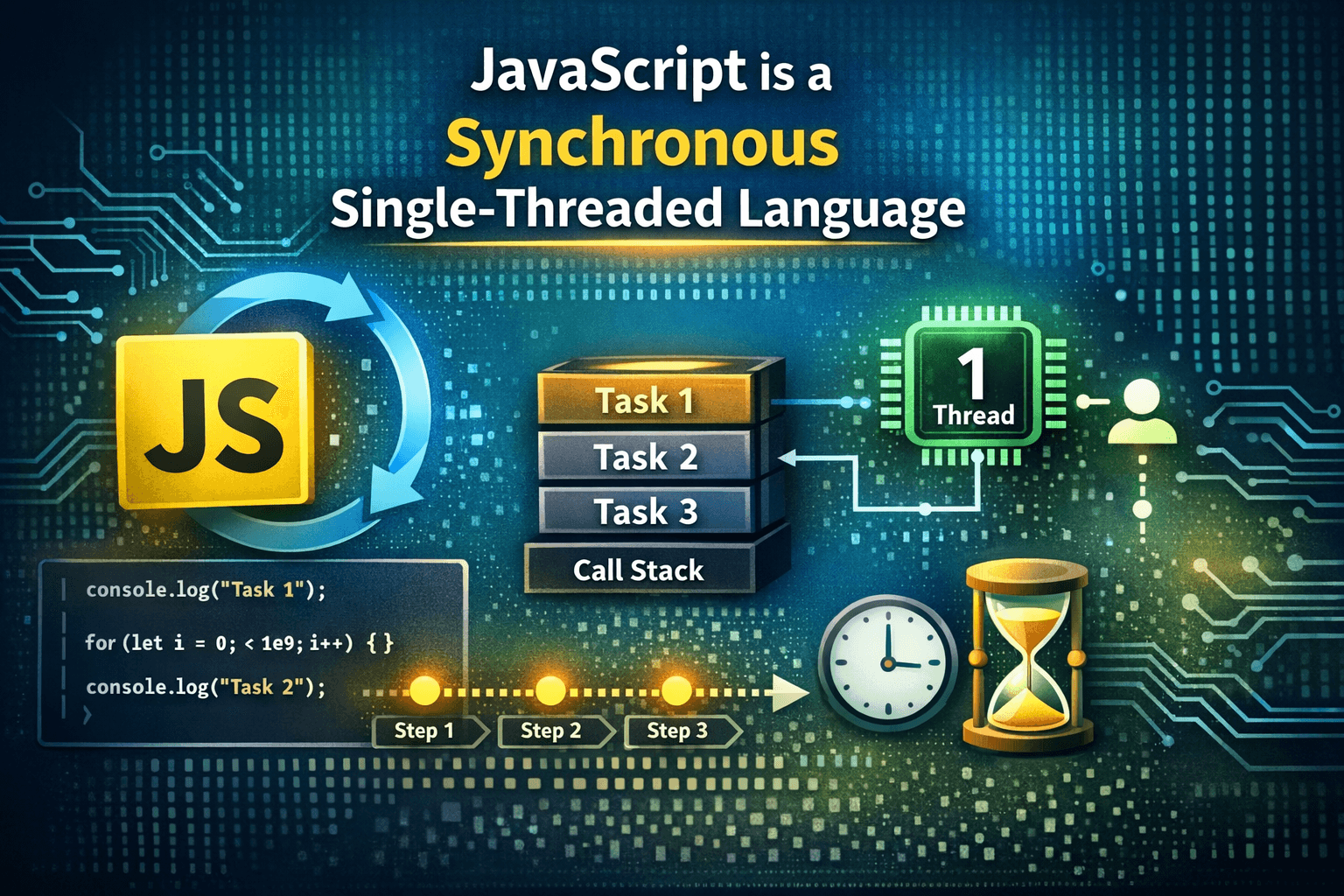
Visualization of JavaScript's Event Loop and Call Stack
"JavaScript is one of the most widely used programming languages in the world. It powers web browsers, backend servers, mobile applications, desktop software, and even IoT devices. Despite its vast usage, one statement about JavaScript often confuses beginners and even intermediate developers:"
"JavaScript is a synchronous, single-threaded language."
At first glance, this statement seems contradictory to what we experience in real-world applications. JavaScript applications can handle API calls, timers, animations, and user interactions simultaneously. How can a language that does so much at once be single-threaded and synchronous?
This article provides a deep, structured explanation of what this statement actually means, why JavaScript was designed this way, and how JavaScript achieves asynchronous behavior despite being synchronous and single-threaded at its core.
Understanding the Meaning of "Single-Threaded"
A thread is the smallest unit of execution in a process. In simple terms, a thread is a sequence of instructions that a CPU executes.
Definition:
When we say JavaScript is single-threaded, we mean: JavaScript can execute only one task at a time in its main execution context. There is only one call stack, and JavaScript processes one operation before moving on to the next.
What This Implies
- • JavaScript cannot run two functions simultaneously on the same thread
- • If one operation is running, all others must wait until it finishes
- • Long-running tasks can block the entire application
Example: Blocking Behavior
console.log("Task 1");

for (let i = 0; i < 1e9; i++) {}

console.log("Task 2");
Output:
Task 1
Task 2
Even though console.log("Task 2") is written immediately after, it will not execute until the loop finishes. This blocking behavior exists because JavaScript uses a single execution thread.
What Does "Synchronous" Mean in JavaScript?
Synchronous execution means tasks are performed one after another, in the exact order they appear in the code.
JavaScript, by default, is synchronous. Each line of code waits for the previous line to finish before executing.
Synchronous Execution Example
function first() {
  console.log("First");
}

function second() {
  console.log("Second");
}

first();
second();
Output:
First
Second
The second function will not run until the first function completes execution.
Why JavaScript Was Designed as Single-Threaded
Historical Context
JavaScript was initially created to:
- • Manipulate the DOM
- • Handle user events (clicks, input, etc.)
- • Run inside browsers
DOM Safety
If JavaScript were multi-threaded:
- • Two threads could modify the DOM simultaneously
- • This could result in unpredictable UI behavior
- • Synchronization mechanisms would significantly complicate development
Key Design Benefit:
By using a single thread, JavaScript ensures:
- • Predictable execution
- • Safe DOM manipulation
- • Simpler programming model
The JavaScript Engine and the Call Stack
Call Stack
The call stack is a data structure that keeps track of function calls.
- • When a function is called → pushed onto the stack
- • When a function finishes → popped from the stack
- • JavaScript executes the top of the stack first
Then How Does JavaScript Handle Asynchronous Operations?
JavaScript is synchronous and single-threaded, but the JavaScript runtime environment is not.
Browsers and Node.js provide additional features that enable non-blocking behavior.
Key Components of the JavaScript Runtime:
Core Components
- • Call Stack
- • Web APIs / Node APIs
- • Callback Queue
- • Microtask Queue
- • Event Loop
Execution Flow
The event loop continuously checks if the call stack is empty, then pushes tasks from queues to the stack.
The Event Loop: The Heart of JavaScript Concurrency
The event loop continuously checks:
- 1. Is the call stack empty?
- 2. Are there tasks waiting in queues?
setTimeout Example
console.log("Start");

setTimeout(() => {
  console.log("Timeout");
}, 0);

console.log("End");
Output:
Start
End
Timeout
Even with a delay of 0, setTimeout does not execute immediately. Callback is sent to Web APIs, then to task queue, and finally executed when call stack is empty.
Microtasks vs Macrotasks
Macrotasks
- • setTimeout
- • setInterval
- • I/O callbacks
Microtasks
- • Promise.then
- • Promise.catch/finally
- • queueMicrotask
Microtasks have higher priority
Priority Example
console.log("Start");

setTimeout(() => console.log("Timeout"), 0);

Promise.resolve().then(() => console.log("Promise"));

console.log("End");
Output:
Start
End
Promise
Timeout
Is JavaScript Ever Multi-Threaded?
Web Workers
JavaScript can use Web Workers, but:
- • Workers run in separate threads
- • They cannot access the DOM
- • Communication happens via messages
Advantages
- • Simplicity: Easier to reason about code
- • Predictability: Deterministic execution order
- • DOM Safety: No concurrent DOM manipulation
- • Lower Complexity: No explicit thread management
Disadvantages
- • Blocking Operations
- • Performance Bottlenecks
- • CPU-Intensive Tasks
- • UI Freezing
Common Interview Question Explanation
Question:
Is JavaScript synchronous or asynchronous?
Correct Answer:
JavaScript is synchronous and single-threaded, but it supports asynchronous behavior using the event loop and runtime APIs.
Final Summary
The Core Truth:
JavaScript is a synchronous, single-threaded language by design.
This means:
- • It executes one task at a time
- • It follows a strict execution order
- • It has only one call stack
However:
- • JavaScript environments provide asynchronous capabilities
- • The event loop enables non-blocking behavior
- • Promises and async/await improve developer experience
Key Takeaway
"JavaScript does not do multiple things at the same time. It does one thing at a time — very fast — and very smartly."
If you master this mental model, JavaScript will stop feeling "magical" and start feeling predictable and powerful.