
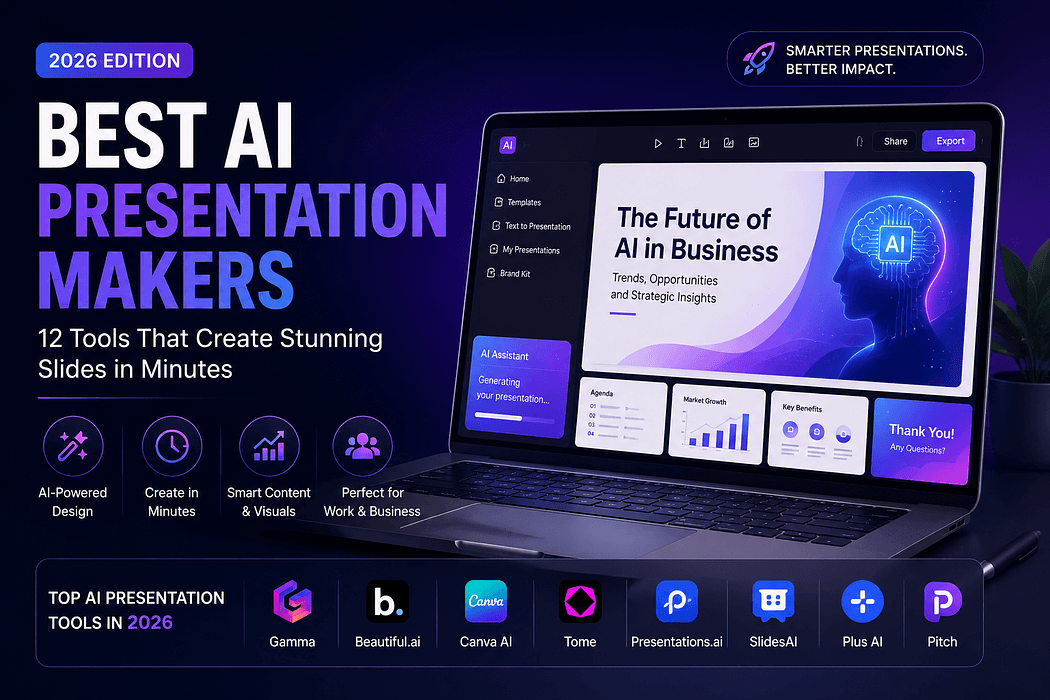
Building a professional slide deck used to mean hours spent wrestling with alignment guides, font pairings, and stock photo searches. That equation has changed. The best AI presentation makers now turn a rough outline or a single prompt into a polished, on-brand deck in a matter of minutes rather than hours. For founders preparing an investor pitch, marketers building a client proposal, or teams producing weekly internal updates, an AI PowerPoint generator has quietly become as standard a productivity tool as a spreadsheet or a calendar app. This guide walks through twelve of the strongest presentation AI tools available in 2026, what each one does well, where it falls short, and who should actually be using it.
Not every AI slide generator is built the same way. Some tools are AI-assisted, meaning they generate a first draft and then wait for you to direct every next step. Others behave more like agents, planning a structure, researching content, and executing a multi-step workflow after a single prompt. That distinction matters more than most comparison charts suggest, because it determines how much of the work actually gets handed off versus how much still lands back on your desk.
Independent testing across the category has found that moving from a text outline to a presentable first draft with AI typically takes three to six minutes, compared with two to four hours when building the same deck manually. That time savings is concentrated in structure and layout, which happen to be the two areas AI handles most reliably right now.
Gamma has emerged as a favorite for its fluid, web based canvas rather than a rigid slide grid, and reviewers have repeatedly pointed to its strong first drafts and consistent design as reasons it tops many 2026 rankings. It works well for anyone comfortable presenting from a browser link rather than a traditional file.
Canva AI leans on the platform's enormous template library and design polish. Reviewers consistently rate it highest for visual quality, though the AI generated text content tends to be generic and often needs a rewrite before it is ready for a real audience.
Microsoft Copilot for PowerPoint is the natural choice for organizations already living inside Microsoft 365. Because it can pull context from SharePoint documents, Outlook threads, and Teams conversations, it produces decks grounded in a company's actual internal data rather than generic prompts alone.
Plus AI installs directly into PowerPoint and Google Slides as an add in, so teams keep their existing templates and workflow instead of adopting a separate platform. It is particularly strong for enhancing an existing deck rather than starting from a blank page.
Beautiful.ai automates core design principles like spacing, hierarchy, and font consistency, which makes it a dependable pick for anyone who wants guaranteed visual polish without needing design instincts of their own.
Presentations.AI generates decks in under a minute and leans on automated design and chart building for data heavy business presentations, making it a solid fit for teams that regularly need to visualize numbers.
Slidesgo AI combines a large paid and free template library with AI drafting, so users effectively fill a professionally designed shell with generated content and imagery. It is a strong value option for anyone on a tighter budget.
SlidesAI operates as a Google Slides extension, converting outlines or documents directly into a deck inside the tool many teams already use daily, without requiring a new platform login.
Ajelix has distinguished itself in testing as one of the few AI business presentation tools that reliably cites sources on data slides, which matters considerably for investor facing or research heavy decks where fabricated statistics are a real risk.
Prezent focuses squarely on enterprise use cases, emphasizing brand compliant design systems and secure team collaboration for organizations that treat presentations as strategic assets rather than one off documents.
GenPPT differentiates itself by researching a topic before drafting rather than generating from the prompt alone, and it layers in AI image generation for visuals, positioning it closer to a content and copywriting assistant than a template filler.
Alai rounds out the list with an emphasis on enterprise workflows, offering agent based iteration where slides can be refined through plain English instructions, along with API and integration options for teams generating decks at scale.
A startup founder preparing a seed round pitch might start in Gamma or Ajelix, feeding in the same problem, market, and traction narrative used in a written memo, then export the result to PowerPoint for final polish. A sales team building a recurring client proposal could rely on Plus AI inside PowerPoint to reformat a prior deck with fresh data each week, preserving brand templates without rebuilding from scratch. A corporate communications team producing a quarterly business review might turn to Microsoft Copilot to pull directly from existing reports and Teams discussions, cutting down on manual copy paste work.
The clearest benefit is time. Teams routinely report reclaiming hours per week that would otherwise go into manual formatting. A second benefit is consistency: when a team standardizes on one AI for presentations tool with shared brand guidelines, every deck coming out of the organization looks like it belongs to the same company, removing the usual patchwork of fonts and color choices. These tools also lower the skill floor for good design, letting people who have never studied visual hierarchy still produce something that looks intentional.
The category has a real hallucination problem. Testing across multiple 2026 comparisons found that several popular tools invented statistics or added slides that were never requested, which makes human review non negotiable for any external facing or investor deck. Export fidelity is another recurring issue, with some tools producing layouts that break or shift when converted to PowerPoint. Pricing can also be misleading, since headline rates rarely reflect the real cost once credit limits, seat minimums, or annual lock ins come into play.
The strongest AI presentation maker for any given team depends less on a single best overall pick and more on where that team already works and what a given deck needs to accomplish. Organizations anchored in Microsoft 365 will get the most value from Copilot or Plus AI, budget conscious users will find Gamma's free tier and Slidesgo's template library hard to beat, and anyone building data heavy or investor facing decks should prioritize tools like Ajelix that have demonstrated real accuracy on factual slides. As these AI productivity tools among the broader wave of AI tools 2026 continue shifting from simple template fillers toward genuinely agentic, research backed systems, the practical next step is to test two or three options against the same real deck you actually need to build, rather than relying on any single ranking, including this one.