
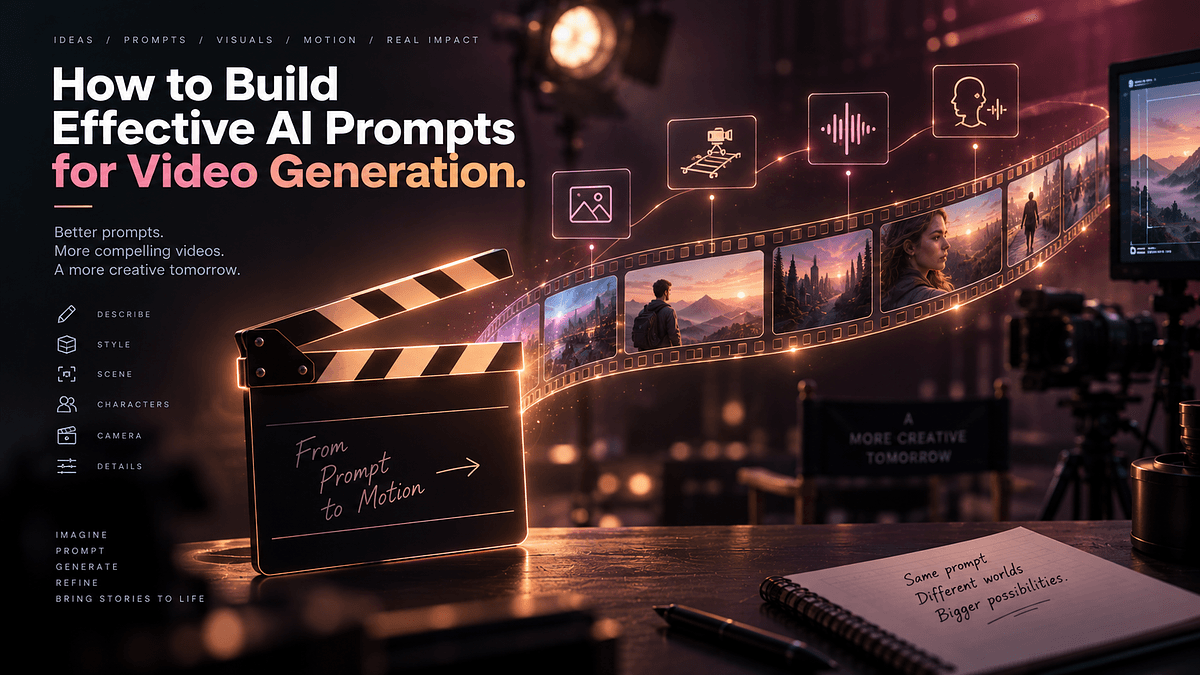
Writing a prompt for a text-to-video model in 2026 has almost nothing in common with writing a prompt for a chatbot, and treating the two the same way is the single biggest reason creators get flat, lifeless clips out of powerful tools. Text-to-video prompt engineering now functions closer to screenwriting and cinematography than conversational instruction, because a model like Runway Gen-4.5 or Kling 3.0 is not answering a question, it is directing a shot. This guide breaks down how the current generation of leading video models actually responds to structured prompting, where their strengths diverge, and how to write prompts that reliably produce camera moves, consistent characters, and synchronized audio instead of a coin flip.
A text prompt has one axis to control: meaning. A video prompt has to control meaning, motion, camera behavior, lighting continuity, and increasingly audio, all within a clip that might only run a few seconds. Under-specifying any one of those axes produces a predictable failure mode, and the most common one reported across the current model generation is a shot that looks technically correct but exhibits almost no motion, because the model defaults toward stillness when action is not explicitly described.
This is why professional workflows increasingly treat a video prompt as a small structured document rather than a single sentence. A well-formed prompt typically separates subject and action, camera behavior, environment and lighting, and stylistic reference into distinct clauses, giving the model unambiguous instructions for each dimension rather than forcing it to infer intent from a vague description.
Before diving into individual tools, it helps to see how this structure changes when the target is comparison rather than a single platform.
Each of the three leading platforms rewards a slightly different prompting style, which is the core reason so many comparisons miss the point when they treat all video models as interchangeable. Google's Veo 3.1 tends to reward richly descriptive, narrative-style prompts that lean on its native audio generation, since describing dialogue, ambient sound, and mood alongside visual action lets the model synchronize sound and picture in a single pass. Kling 3.0 responds especially well to prompts that isolate complex human motion, often performing best when paired with a reference still image rather than text alone, which makes it a strong choice for stylized storytelling and expressive character movement.
Runway Gen-4.5 prompting techniques diverge from both in one specific way: camera direction. Runway's standout strength is smooth, cinematic camera motion, so prompts that specify camera behavior explicitly, rather than leaving it implicit in the action description, consistently produce better results than prompts written the way one would write for Veo or Kling. This is also where Runway's motion brushes come in, letting a creator paint exactly which parts of a reference image should move and how, a level of spatial control that text prompts alone cannot reach.
Understanding this divergence is the foundation for the more specific techniques covered next, starting with the single most requested and most misunderstood control in AI video: the camera.
AI video camera control has become one of the clearest differentiators between amateur and professional output, and it depends entirely on using precise, film-terminology language rather than vague spatial description. Instead of writing the camera moves closer, professional prompts specify the actual camera language a cinematographer would use, describing dolly-ins, tracking shots, orbit moves, or a rack focus shift, since these terms map more directly onto the motion patterns models were trained on.
Runway Gen-4.5 camera moves are the clearest example of this principle in practice. A prompt describing a slow dolly-in on a subject's face while a handheld tracking shot follows a second character through a doorway will produce dramatically more controlled results than a prompt that simply describes what happens in the scene without specifying how the camera relates to it. The lesson generalizes across platforms: describe the camera as a character in the scene with its own intentional movement, not as a passive recorder of the action.
Camera control alone is not enough for longer or more complex projects, which is where the next major technique becomes essential.
Multi-shot prompting is the feature that has pushed AI video from isolated clip generation toward something closer to actual filmmaking, and Kling 3.0 multi-shot prompting is a strong example of how this works in practice. Kling 3.0 supports several connected shots within a single generation, sharing a continuous audio timeline across the sequence, which means prompts can be structured almost like a shot list rather than a single continuous description.
Effective multi-shot prompts break the sequence into labeled beats, describing what happens in each shot along with the transition between them, rather than trying to compress an entire scene into one flowing paragraph. ByteDance's Seedance 2.0 takes a related but distinct approach, reading a single prompt, planning its own shot sequence, and preserving character identity, clothing, and lighting automatically across the cuts it generates, which makes Seedance prompting techniques somewhat more forgiving for creators who want sequence planning handled by the model itself.
This sequencing capability directly feeds into one of the hardest problems in AI video generation, which is keeping the same character recognizable from one shot to the next.
AI video character consistency has historically been the weakest link in generative video, and the industry's practical answer has converged on a clear rule: if a clip features a specific person, product, or brand, start from a reference image rather than a text description alone. A single reference image fed into Runway Gen-4.5 can anchor a character's appearance across multiple separate generations, functioning as a practical workaround for the short native duration of any individual clip.
Seedance 2.0 has taken this further by supporting up to nine reference images in a single generation, which noticeably improves its ability to preserve fine product and character details, including legible text and logos, across an entire sequence. For teams producing e-commerce or brand content where a product's exact appearance cannot drift between shots, this reference-image-driven workflow has effectively replaced pure text-to-video generation as the default approach.
Once a character or product stays visually consistent, the next layer of realism most creators reach for is matching that consistency with convincing audio.
A lip-sync AI video prompt succeeds or fails based on how precisely dialogue timing and emotional tone are described alongside the visual action, since models generating native audio are reasoning about sound and picture together rather than adding audio as an afterthought. Veo 3.1 and Seedance 2.0 currently lead on native audio-visual generation, handling dialogue, sound effects, and music within the same generation pass, which removes the need for a separate audio post-production step on shorter clips.
Cinematic AI video prompts that aim for a polished, film-like result tend to combine several elements at once: a specific lighting description, a named visual reference or mood, explicit camera behavior, and where relevant, a description of the ambient soundscape rather than silence. Grok Imagine prompting follows a somewhat different organizing logic, since xAI's documentation structures guidance around what a creator is trying to make, whether that is a brand-new shot, a still photo brought to life, a consistent character across generations, or an extended clip beyond the platform's native short-duration limit.
With these individual techniques covered, it is worth stepping back to look at what all of this means practically for teams deciding where to invest their time.
No single platform currently wins across every dimension, which is why production teams increasingly mix tools rather than standardizing on one. A common pattern involves using Kling 3.0 or a fast, inexpensive model for rapid iteration and motion testing, then finishing the hero shot on a platform chosen specifically for that shot's requirements, whether that means Runway for camera-driven advertising work, Seedance for product-accurate e-commerce content, or Veo for scenes requiring tightly synchronized dialogue.
For creators building a genuinely multi-shot narrative longer than 30 to 60 seconds, the realistic expectation across nearly every platform is that individual generations still need to be stitched together in a traditional editor rather than produced as one continuous output, so prompt engineering should be paired with a clear shot-by-shot production plan from the outset.
The AI video landscape moves fast enough that leaderboard rankings and specific model versions shift within months, so any comparison, including this one, should be treated as a snapshot rather than a permanent hierarchy. A frequent mistake is writing a single dense paragraph that tries to control subject, camera, lighting, and audio all at once without clear separation, which tends to produce muddled results compared to a prompt structured into distinct, explicit clauses. Another common error is expecting text-only prompts to deliver character or product consistency that realistically requires a reference image, and expecting any current model to perform true VFX-style compositing or precise, timeline-level editing, which remains a job for traditional post-production tools even in 2026.
Advanced AI video prompt engineering in 2026 comes down to treating a prompt as a structured creative brief rather than a single request, with camera behavior, character consistency, and audio each requiring deliberate, explicit direction. Runway rewards precise camera language, Kling and Seedance reward reference-image-driven consistency and multi-shot planning, and Veo rewards richly described, audio-integrated scenes. The most effective next step for any creator is to pick one platform, build a small library of reference images for recurring characters or products, and iterate on structured, clause-by-clause prompts before scaling up to a full multi-shot production.