
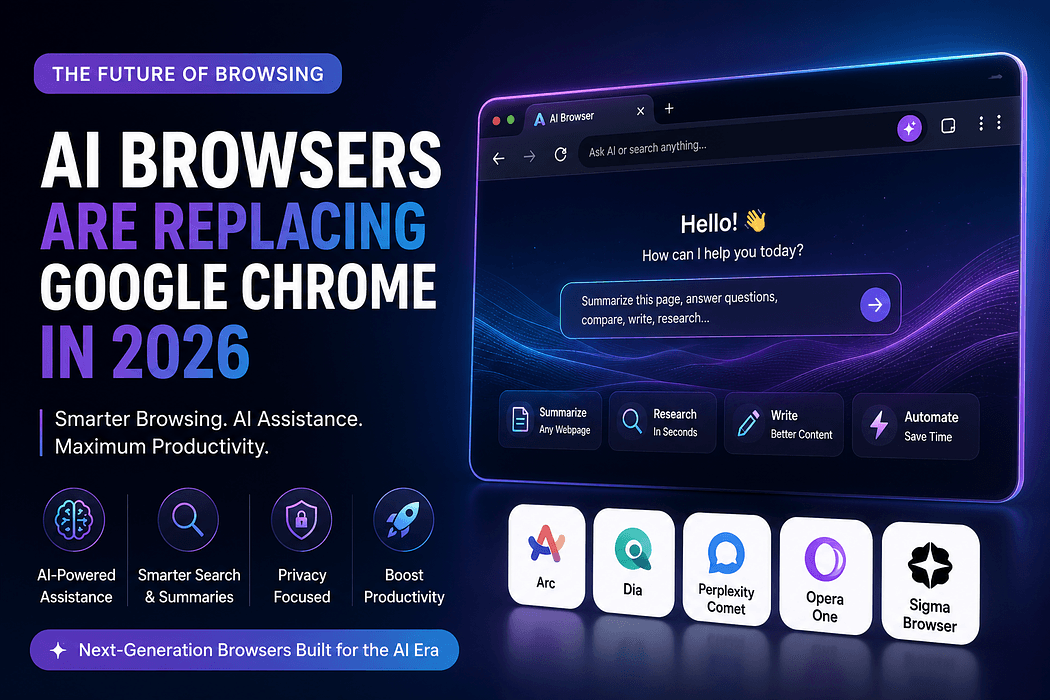
Remember when picking a browser just meant choosing between Chrome, Firefox, or Safari? Those days feel almost quaint now. In 2026, a new category of AI browsers has stormed onto the scene, and honestly, once you try one, going back to a plain old browser feels like trading a smartphone for a flip phone.
So what changed? Traditional browsers were built to display information. You typed a search, scrolled through blue links, and did the thinking yourself. AI browsers flip that entirely. They read the page with you, remember what you were doing yesterday, and can even complete tasks on your behalf. Curious which ones are actually worth your time? Let's break it down.
An AI-powered web browser is not just Chrome with a chatbot bolted on the side. It is built from the ground up with artificial intelligence woven into how it handles tabs, search, and everyday browsing tasks. Think of it less like a window to the internet and more like a research assistant who happens to live inside your browser.
The most advanced versions are often called agentic browsers. Instead of just answering questions, they can browse, click, fill out forms, and finish multi-step tasks while you do something else entirely. That is a genuinely different way of using the internet, and it is exactly why so many people are asking whether Chrome's days at the top are numbered.
A handful of names keep coming up whenever people talk about the best AI browser 2026 has to offer. Here is a quick look at who is leading the pack.
Built by OpenAI, Atlas launched on macOS in October 2025 and quickly became one of the most talked-about entries in this space. It leans heavily into autonomous agent features and persistent memory, meaning it can recall your habits and preferences across sessions almost like a personal assistant that never forgets a conversation.
Comet is the AI search browser built around Perplexity's answer-engine approach. It went free for all users back in October 2025, which instantly made it one of the most accessible AI browsing tools around. Comet shines for research-heavy work, where pulling information from multiple sources and getting a synthesized answer saves real time.
Dia comes from The Browser Company, the same team behind Arc, which has since shifted into maintenance mode in favor of Dia as its primary product. In a notable move, Atlassian acquired The Browser Company in September 2025, positioning Dia as the foundation for a more enterprise-focused browsing experience. Dia takes a more cautious approach to autonomy, focusing on tab-aware writing assistance and customizable shortcuts called Skills, all wrapped in a more privacy-conscious, locally encrypted design.
Not every intelligent web browser is trying to reinvent browsing from scratch. Edge Copilot, for instance, is Chromium-based and works as a productivity layer across Windows, Microsoft 365, and Bing. Meanwhile, Brave Leo takes a privacy-first stance with local models, and Opera Neon remains an interesting experimental player worth watching rather than a mainstream default just yet.
Wondering how this actually plays out day to day? Picture this: you are researching a topic across a dozen open tabs. Instead of manually reading each one, an AI browser comparison tool like Comet can summarize all of them and pull out the key points in seconds.
Or say you need to draft an email while referencing a document you had open earlier. A browser with built-in AI, like Dia, remembers that context and helps you write without you having to copy and paste anything. For more hands-off tasks, Atlas can handle multi-step actions, like comparing prices across shopping sites, while you focus on other work entirely.
So why are so many users making the jump? A few benefits stand out clearly.
Time savings top the list. Summarizing pages, drafting content, and automating repetitive browsing tasks all add up over a workweek.
Context awareness is another big one. These browsers remember what tabs you had open, what you searched for, and what you were working on, so you are not constantly re-explaining yourself.
There is also a productivity AI browser angle worth mentioning. For professionals juggling research, writing, and quick fact-checking, having all of that baked into the browser itself removes a lot of app-switching friction.
Finally, accessibility matters. Comet's free tier and Edge Copilot's integration into tools people already use mean you do not need a huge budget to start experimenting with this next-generation web browser trend.
Important Considerations Before You Switch
Before you uninstall Chrome entirely, it is worth pausing on a few things.
Security researchers have confirmed that prompt injection, a technique where hostile instructions get smuggled through ordinary web content, cannot be fully eliminated in any of the major agentic browsers right now. OpenAI itself has acknowledged this is unlikely to ever be completely solved. That means handing over tasks like online banking or password management to an autonomous browser agent still carries real risk.
There are also legal questions still being sorted out. A closely watched federal case is currently examining whether an AI browser agent can legally take actions on a user's behalf at third-party websites without explicit permission, which could shape how much autonomy these tools are allowed going forward.
Platform availability can be limiting too. Dia, for example, is currently macOS-only, so Windows and Linux users are stuck waiting. And while some AI browsers are free, others require a paid tier to unlock unlimited AI features, so it pays to check pricing before committing.
If your work involves heavy research, content writing, or juggling dozens of tabs, an AI search browser can genuinely transform your workflow. Students, marketers, developers, and anyone doing repetitive online research will likely feel the benefit fastest.
If you mostly use your browser for casual scrolling and the occasional search, the upgrade might feel less dramatic, though the convenience is still hard to ignore once you get used to it.
Chrome is not disappearing overnight. It still holds the largest install base by far, and its dominance is not seriously threatened in terms of raw numbers. But the real competition is happening on a different front entirely. AI browsers are winning on intelligence, automation, and context awareness, the very things that define how we will browse the internet going forward.
If you have not tried one yet, this is a good moment to experiment. Start with a free option like Comet, get a feel for what an AI-powered web browser can actually do, and decide from there whether it earns a permanent spot on your desktop. The browser wars are back, and this time, they are being fought with intelligence rather than just speed.