
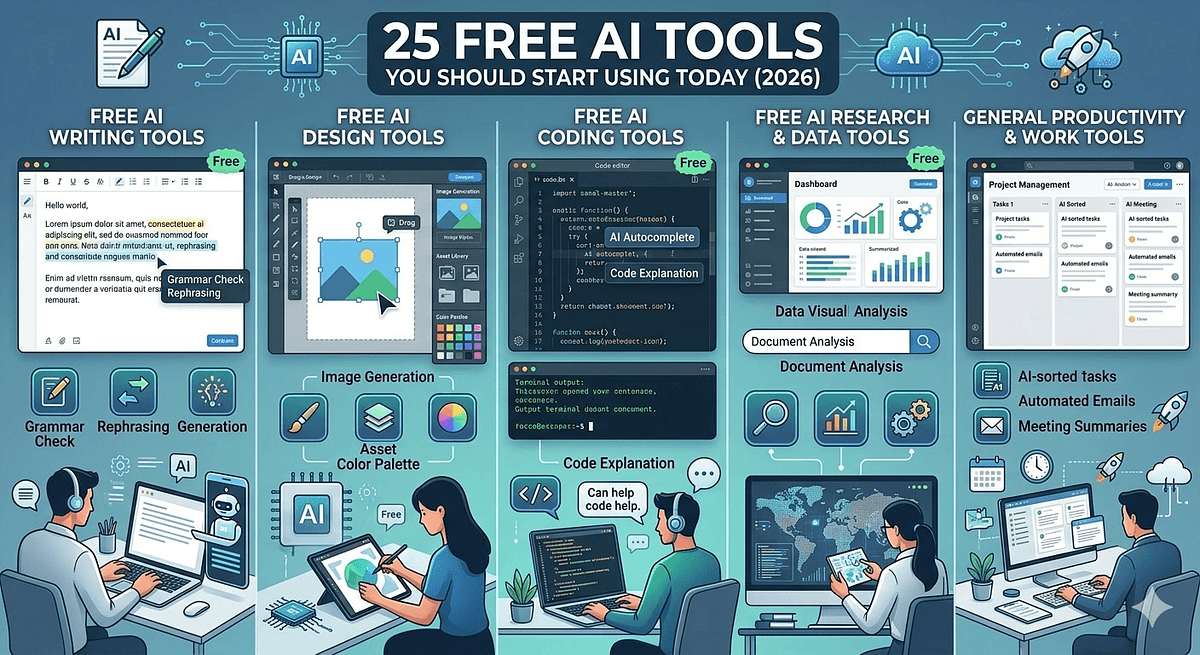
The most powerful AI tools in the world are largely free to start, and most professionals are not using half of them. According to Salesforce's State of IT 2025 report, 83 percent of growing businesses show high AI adoption, yet surveys consistently show that adoption is concentrated in one or two tools per person rather than distributed intelligently across the workflow. The result is a lot of people using ChatGPT for everything when there are purpose-built free AI tools that do specific jobs dramatically better. This guide covers 25 of the best free AI tools for productivity in 2026, organized by function, with the practical context you need to decide which ones actually belong in your stack.
Free AI writing tools have reached a quality level in 2026 that makes the paid-only assumption obsolete for a significant range of professional use cases.
Claude (claude.ai) provides access to Claude Sonnet on the free tier, one of the strongest models available for long-form writing, detailed analysis, nuanced instruction-following, and complex document work. The free plan is generous enough for regular professional use and requires no credit card.
ChatGPT's free tier now provides access to GPT-4o Mini with web search, image generation, and voice mode included. For general-purpose writing assistance, drafting, summarization, and content ideation, it remains the most widely understood interface and the natural starting point for anyone new to AI writing tools.
Google Gemini's free tier runs Gemini 2.0 Flash with web grounding and integrates directly with Google Docs, Gmail, and Drive at no additional cost for personal Google accounts. For professionals whose workflow centers on Google's suite, this is the free AI writing tool with the highest immediate integration value.
Grammarly's free tier provides grammar, spelling, and basic tone suggestions across browsers, Word, and Google Docs. It lacks the depth of its premium tier but the core writing quality improvements are available at no cost. For professionals who write regularly in English and want a passive quality layer, it is worth keeping installed.
Hemingway Editor (hemingwayapp.com) is a free web-based tool that highlights dense sentences, passive voice, and readability issues in real time. It does not use AI in the generative sense but functions as an indispensable clarity audit tool, particularly for long reports, proposals, and documentation that tend to accumulate complexity over multiple drafts.
AI research tools have redefined what one person can understand in a given day, and the best ones are available without a subscription.
Perplexity AI's free tier delivers sourced, cited answers synthesized from live web results for research queries. It is the AI research tool most consistently recommended by knowledge workers who have moved away from Google Search for complex information retrieval. The free plan covers standard searches; Pro Search, limited to a few free queries per day, handles multi-step research.
NotebookLM (notebooklm.google.com) is completely free and allows you to upload your own documents, PDFs, research papers, and notes, then query them conversationally. Its Audio Overview feature converts your uploaded content into a podcast-style discussion between two AI hosts. For researchers, consultants, and anyone managing large volumes of reference material, NotebookLM is currently one of the highest-value free AI tools for productivity.
Consensus.app is a free AI research tool that searches peer-reviewed academic papers and returns cited, evidence-based answers to research questions. Unlike general web search, every claim is linked directly to a study. For health, science, and policy professionals who need evidence-backed answers rather than opinion-weighted search results, Consensus is particularly valuable.
Elicit (elicit.com) is a free AI research assistant for analyzing and extracting data from academic papers at scale. Upload multiple papers and Elicit compares findings, extracts key variables, and maps methodologies across studies in a structured table format. For literature reviews and systematic research projects, it saves days of manual extraction work.
The free AI coding tools available in 2026 represent the single most dramatic productivity improvement available to any developer who has not yet integrated them.
GitHub Copilot's free tier, launched in late 2024, provides 2,000 code completions per month and 50 chat messages per month for individual developers. It is embedded directly into VS Code and JetBrains IDEs. For a developer doing occasional side projects or learning new languages, the free allocation covers most active coding sessions.
Cursor provides a free tier with 2,000 completions per month and limited slow model requests. Its whole-codebase context awareness and three-mode interaction model (Tab, Cmd+K, and Agent) make it architecturally superior to Copilot for complex refactoring and cross-file reasoning tasks even on the free plan.
Replit's free tier provides a browser-based development environment with AI code completion and limited agent interactions. No local setup required, making it the fastest free AI coding tool to get started with for prototyping, education, and cross-device development scenarios.
Google AI Studio (aistudio.google.com) provides free API access to Gemini 2.0 Flash and Gemini 2.5 Pro for developers who want to build applications on top of Google's models without any cost up to the free tier rate limits. For developers evaluating Gemini capabilities or building lightweight AI-powered tools, this is the most accessible free entry point into the Gemini ecosystem.
Free AI design tools have removed the primary entry barrier for visual content creation, which was previously either budget or design skill.
Canva's free tier includes Magic Write for AI-generated text, AI image generation with limited credits, background removal, and the full template library. For non-designers producing social media graphics, presentations, and marketing assets, the free tier of Canva combined with its AI features provides more production capability than most paid design tools did three years ago.
Adobe Firefly's free tier provides monthly generative credits for text-to-image generation using Adobe's commercially safe model trained only on licensed content. For professionals who need AI-generated images usable in paid commercial projects without copyright risk, Firefly is the only major free AI image tool that provides explicit commercial use rights on its free tier outputs.
Ideogram (ideogram.ai) stands out as one of the best free AI image tools for text rendering within images, a capability that most image generators handle poorly. Its free tier provides ten slow generations per day with commercial use rights. For marketers and content creators who need readable text integrated into AI-generated visuals, Ideogram is the most capable free option.
Microsoft Designer (designer.microsoft.com) is free for personal use and generates branded images, social posts, and presentation graphics from text prompts using DALL-E 4 under the hood. It integrates with OneDrive and Microsoft 365 and is the natural free AI design tool for professionals already in the Microsoft ecosystem.
The free AI tools for productivity that save the most time are those that automate the structured-but-repetitive work that fills the workday without producing significant strategic value.
Fathom AI's Standard individual plan is free forever and provides unlimited meeting recordings, transcripts stored indefinitely, basic meeting summaries, highlight clips, and basic CRM sync with HubSpot and Salesforce. For any professional running three or more recorded meetings per week, this is the highest-value free AI productivity tool that most people have not yet tried.
Otter.ai's free tier provides 300 minutes of monthly transcription across Zoom, Google Meet, and Teams, with AI-generated summaries and a searchable transcript library. It is the right free meeting tool for users with lighter recording needs who want mobile app access alongside the web interface.
Zapier's free plan supports five automated workflows (Zaps) with single-step actions connecting over 7,000 apps. For professionals with predictable, low-volume automation needs, such as saving email attachments to Google Drive or adding form submissions to a spreadsheet, the free tier covers the most common use cases without requiring any code.
Notion AI's free AI features within a free Notion workspace include a limited number of AI responses per month for drafting, summarizing, and editing content directly inside notes and project documents. For teams already using Notion as a knowledge base, it eliminates context-switching to an external AI tool for most in-document tasks.
Free AI video and audio tools have brought professional media production capabilities within reach of individual creators and small teams for the first time.
Descript's free plan provides three hours of transcription per month, basic text-based video editing, and AI-powered filler word removal. For podcasters, video creators, and anyone producing edited audio or video content, the combination of transcript-based editing and AI cleanup in a single tool reduces post-production time significantly even at the free tier.
ElevenLabs' free tier provides 10,000 characters of text-to-speech per month with access to the standard voice library. For creators who need occasional professional-quality voiceover without committing to a subscription, this is sufficient for short-form content, demo videos, and single-episode podcast introductions.
CapCut's free web and desktop version includes AI-powered auto-captions, background removal, text-to-video, and voice cloning features. It is the most feature-complete free AI video editing tool for short-form social content, and its auto-captioning feature alone saves significant post-production time for TikTok, Reels, and Shorts creators.
ChatGPT's Advanced Data Analysis feature, available in limited form on the free tier, allows file uploads for basic data interpretation and visualization. For analysts who want to run exploratory analysis on a dataset without writing Python or SQL, this is the most accessible free entry point into AI-assisted data work.
Julius AI (julius.ai) is a free data analysis tool that connects to spreadsheets, CSVs, and databases and generates charts, statistical summaries, and natural language insights from plain English queries. For business analysts and operations professionals who work with structured data but do not write code, Julius bridges the gap between data and insight without requiring analytical tooling expertise.
Free tiers are always subject to change, and the tools in this list are no exception. Rate limits, feature gating, and the migration of capabilities to paid tiers are standard practice across the AI tool industry. Before building a core workflow dependency on any free tier, verify the current terms and assess whether the tool's paid tier would be worth the cost if the free tier becomes more restricted.
Data privacy is the other material consideration. Many free AI tools process your inputs through cloud servers, and the terms around data training vary significantly between providers. For any sensitive professional content, personal data, or proprietary information, review the relevant tool's data handling policy before uploading. Claude, Gemini, and ChatGPT all offer opt-out settings for training data use that are worth configuring before regular professional use.
The 25 free AI tools in this guide collectively cover every major professional workflow: writing, research, coding, design, productivity automation, video, audio, and data analysis. None of them require a credit card to start. All of them are capable enough to produce genuine value in regular professional use, not just as demonstrations. The access barrier to a fully AI-augmented workflow is now zero dollars.
The practical starting recommendation is to identify the single category where you lose the most time each week and pick one tool from that section to test on real work for five days before expanding. NotebookLM for research-heavy work, Fathom for meeting-heavy workflows, Cursor for coding, and Canva AI for visual content are the four tools that consistently produce the fastest visible productivity improvement across the broadest range of professional contexts. Start there, measure the difference, and build your stack from what works.